A detail for your fishing spot.
Add straight wire guards to minnows and cranks. Choose 0.5 or 0.8 mm wire, then adjust the position, angle and insertion depth.
Does not guarantee snag prevention.THE MAKER WORKSHOP
Move from browsing designs to making your own. Explore the tools behind LURINK.
YOUR BROWSER IS YOUR WORKSHOP
No installation. Shape the body, build the face and design the hidden structure. 3D calculation runs on your device; save editable projects and printable STL files.
Works on computers and phones. Complex geometry may take longer on less powerful devices.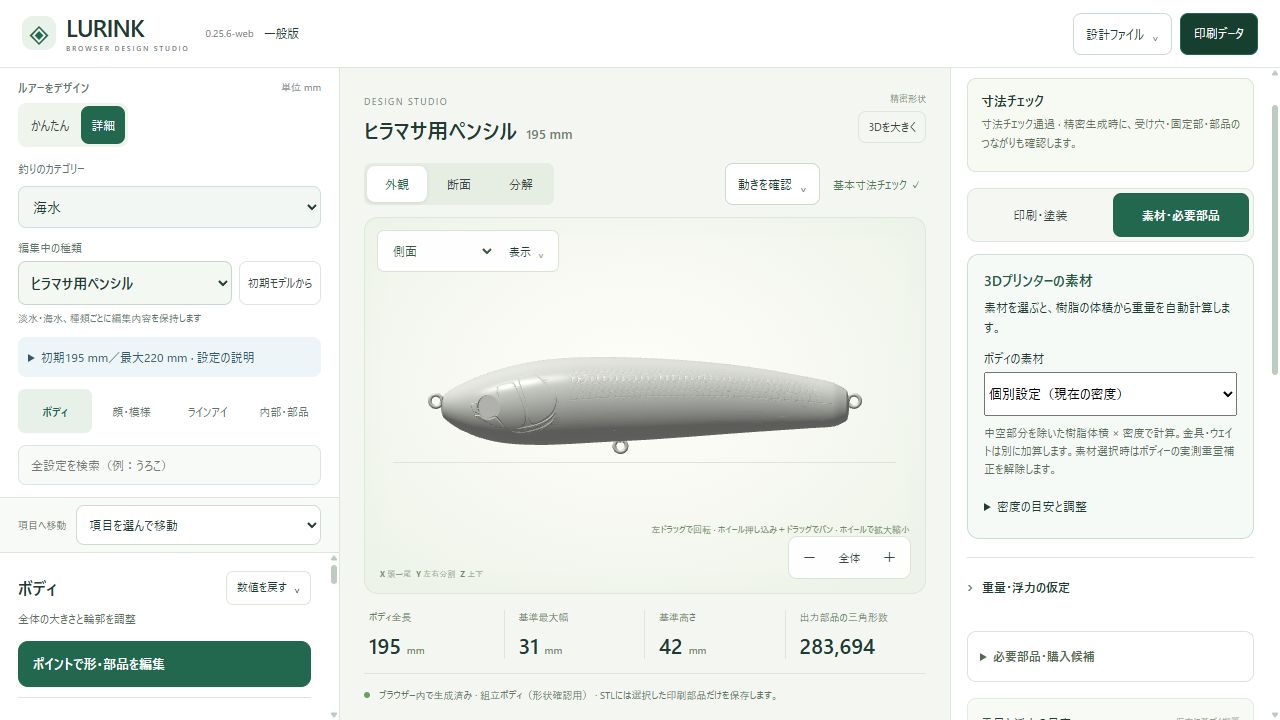
Actual interface. Click to start designing ↗
SAME SHAPE. DIFFERENT MATERIAL.
Choose PLA, PETG, ABS or ASA for the body and lip. The app calculates mass from solid resin volume, adds hardware and ballast, and updates the balance and resting posture.
Choose materials in the editor ↗Densities are reference values and can be customized. Print settings, paint and adhesive affect the finished weight.
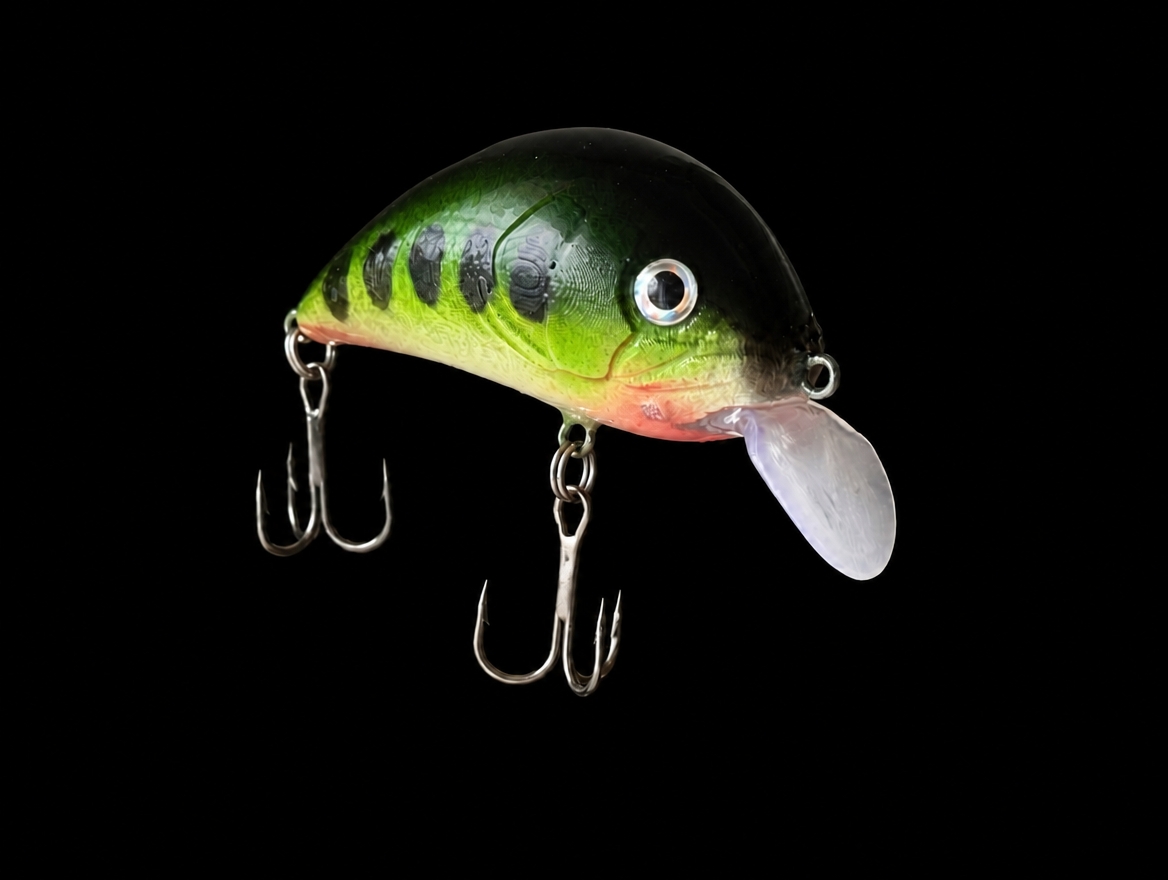
Reading sample STL volume…
This comparison uses one material for all resin parts. It excludes ballast, hardware, paint and adhesive. The photo is a build example.
TRY / SHAPE & ACTION
Pick a type, rotate it and change its proportions. You can try a swimming motion too.
Motion demo for minnows and cranks
This is a demonstration. Ratios scale the whole display and swimming uses animated motion. It does not edit or save designs or calculate actual diving depth.
SHAPE / YOUR OWN SILHOUETTE
Set dimensions or move control points. Refine the back, belly and tail from side, top and front views.
In the app, inspect ballast, fittings, wall thickness and problem areas while you shape the body.
An outline interaction demo. Changes do not affect the 3D model.
DETAILS / BUILD A LITTLE CHARACTER
Choose what you’d like to try and discover what the app can do.
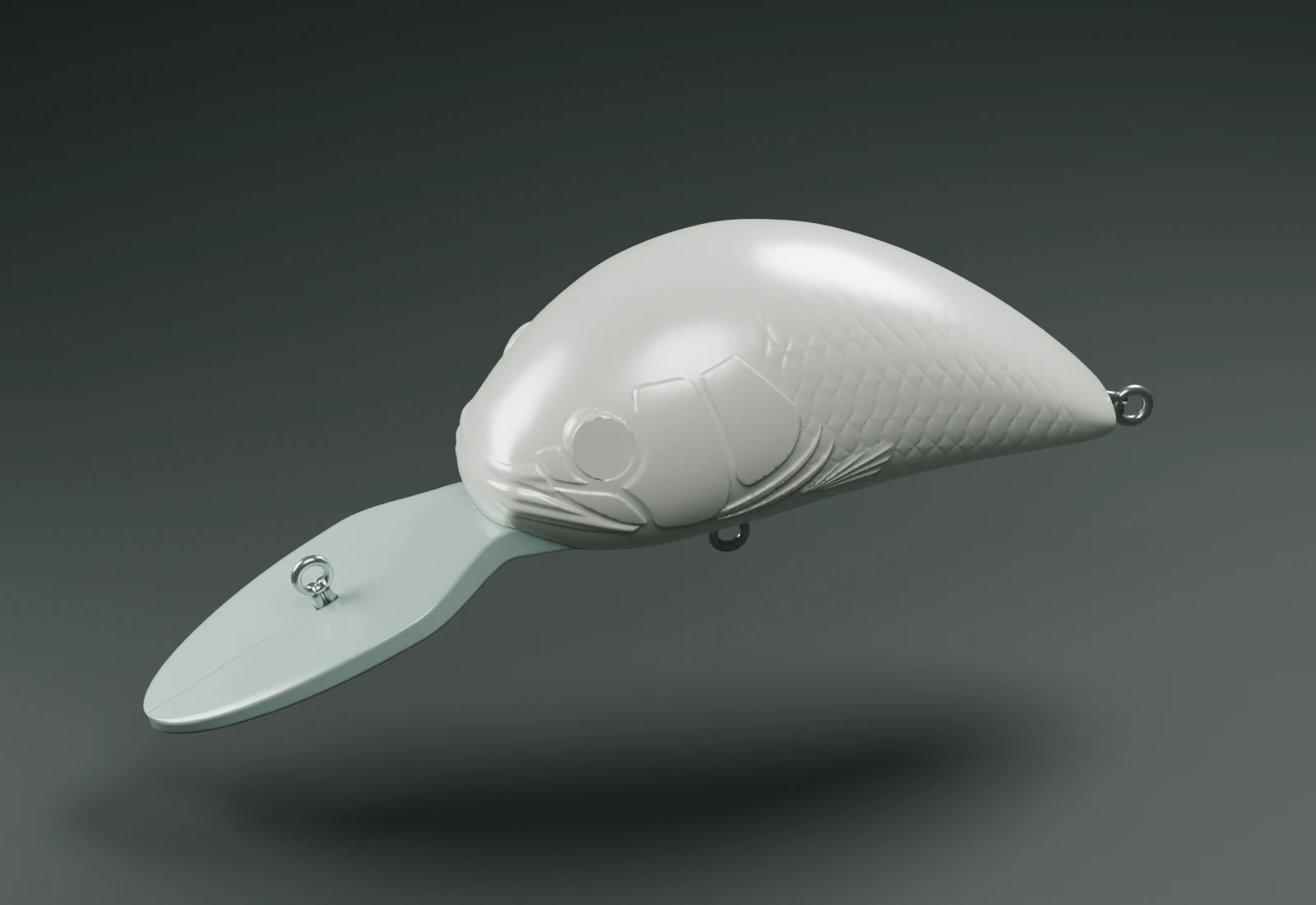 Rendering of a real design
Drag the gills, cheek, mouth, nose and fins. Adjust position, size and rotation to give your lure its own expression.
One body. Many different personalities.
Add straight wire guards to minnows and cranks. Choose 0.5 or 0.8 mm wire, then adjust the position, angle and insertion depth.
Does not guarantee snag prevention.Adjust front and rear widths, taper and angle. Choose split lips with fittings, or one-piece lips with a ring and backing rod, plus underside reinforcement.
Through-wire, figure-eight fittings or screw eyes. Set hardware positions and angles, plus the clearance and support around ballast, before prototyping.
INSIDE THE APP
Get a feel for making with the actual interface.
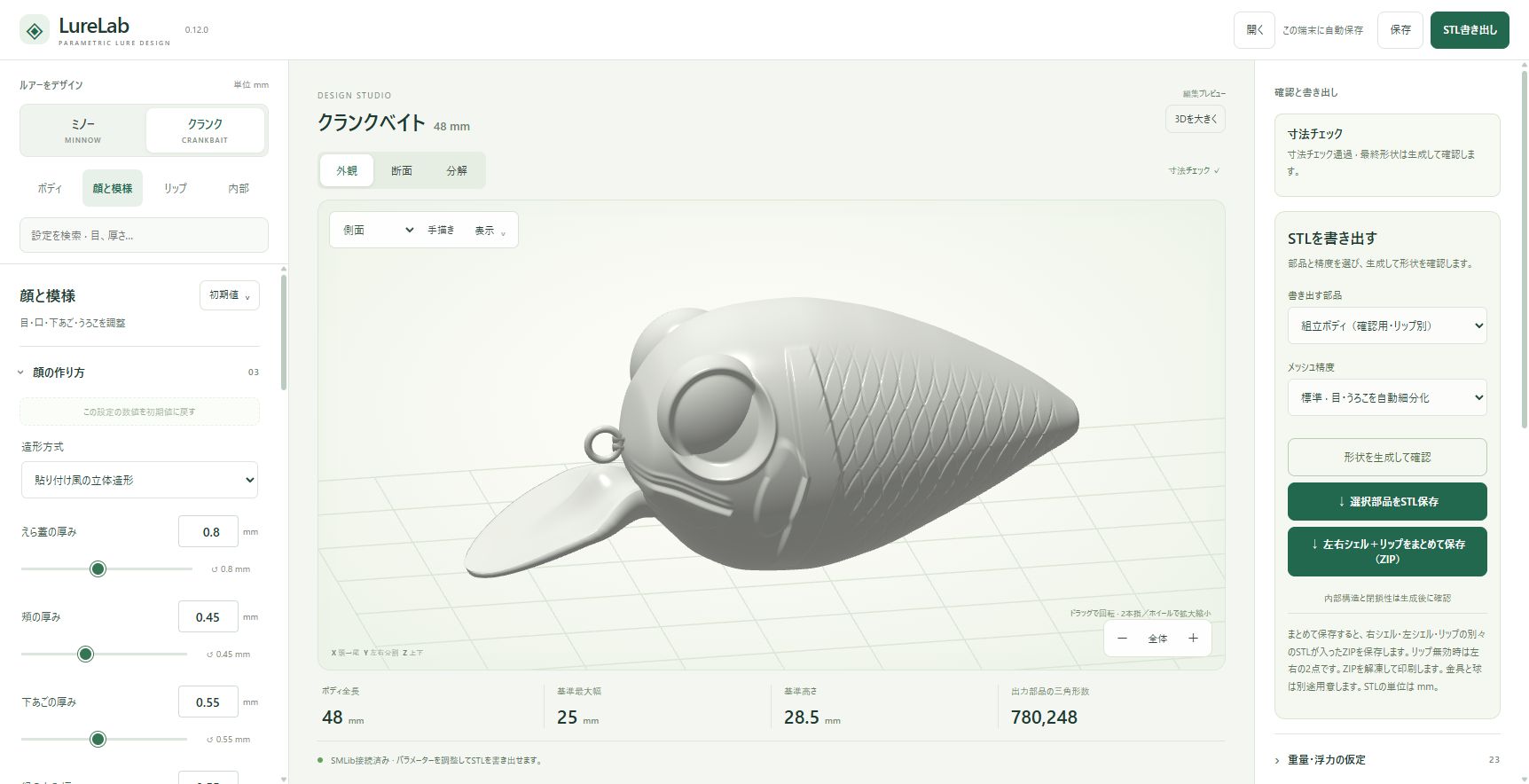
The current app also supports drag-based face editing.
Screenshots are from version 0.12.0. Current layouts, names and some features differ.
LURINK FOR WINDOWS
Open a design, make it yours and export separate STL parts. The Windows general edition is planned to be free.
The browser editor is available now. Windows release details will be announced here.
Get a design ↗BEFORE YOU BUILD
Start from a model and adjust numbers, sliders, points and facial parts. Printing still needs slicer setup, followed by assembly and finishing.
The browser editor works on computers and phones. It calculates on the device you use, so a separate PC does not need to stay on. A computer is recommended for complex designs.
Start designing in a compatible browser. Physical builds require a 3D printer, slicer, fittings, ballast and adhesive. Check watertightness, attachment strength, overall strength and floating posture on the finished build.
The app uses simplified estimates to compare designs. This site’s swimming demo is illustrative motion. Neither guarantees actual depth, action or catches.