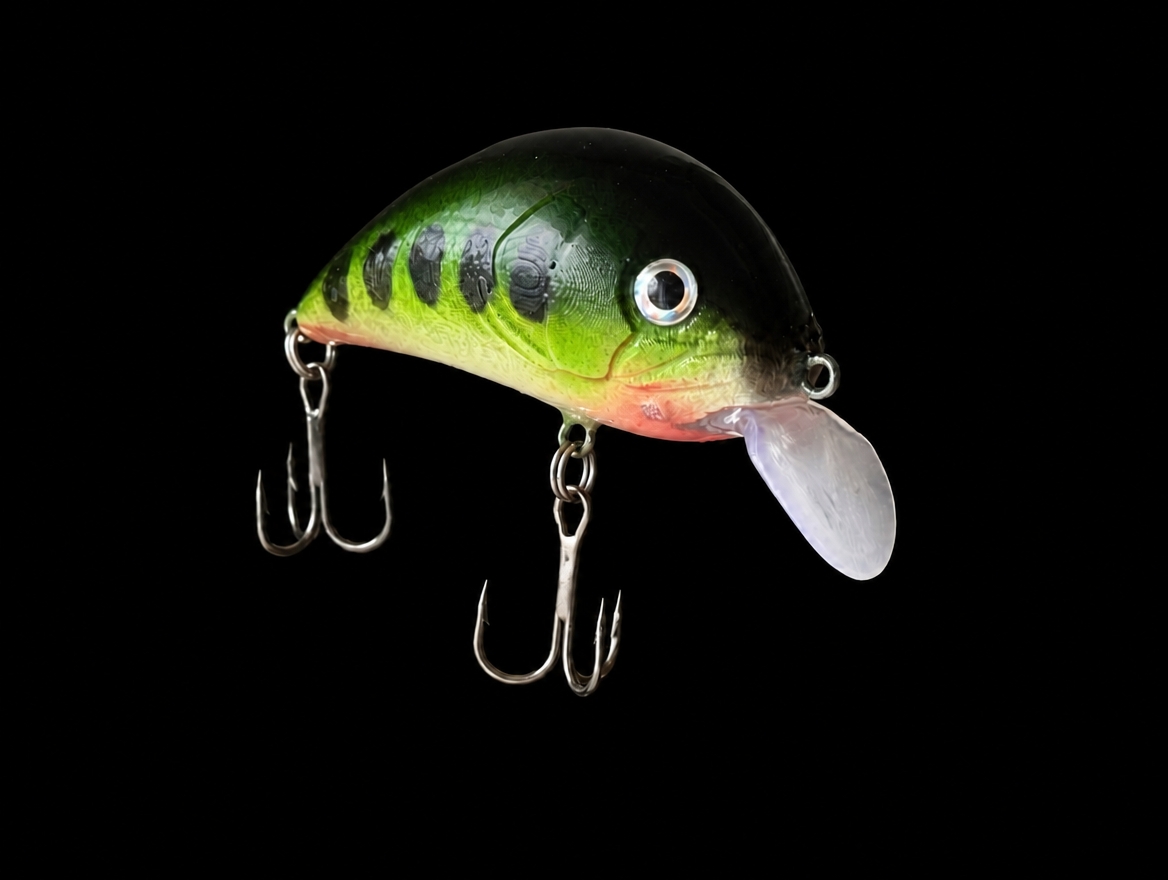
 Team build example
LURINK / THE OPEN LURE WORKSHOP
Lure making.
Better together.
Someone’s idea becomes
someone else’s invention.
Pick up a design. Make it your own. Test it on the water and pass on what you learn. Every lure can start a new conversation.
Free · No installationEditable design filesPLA / PETG / ABS / ASA
FROM A SHARED IDEATO YOUR OWN LURE
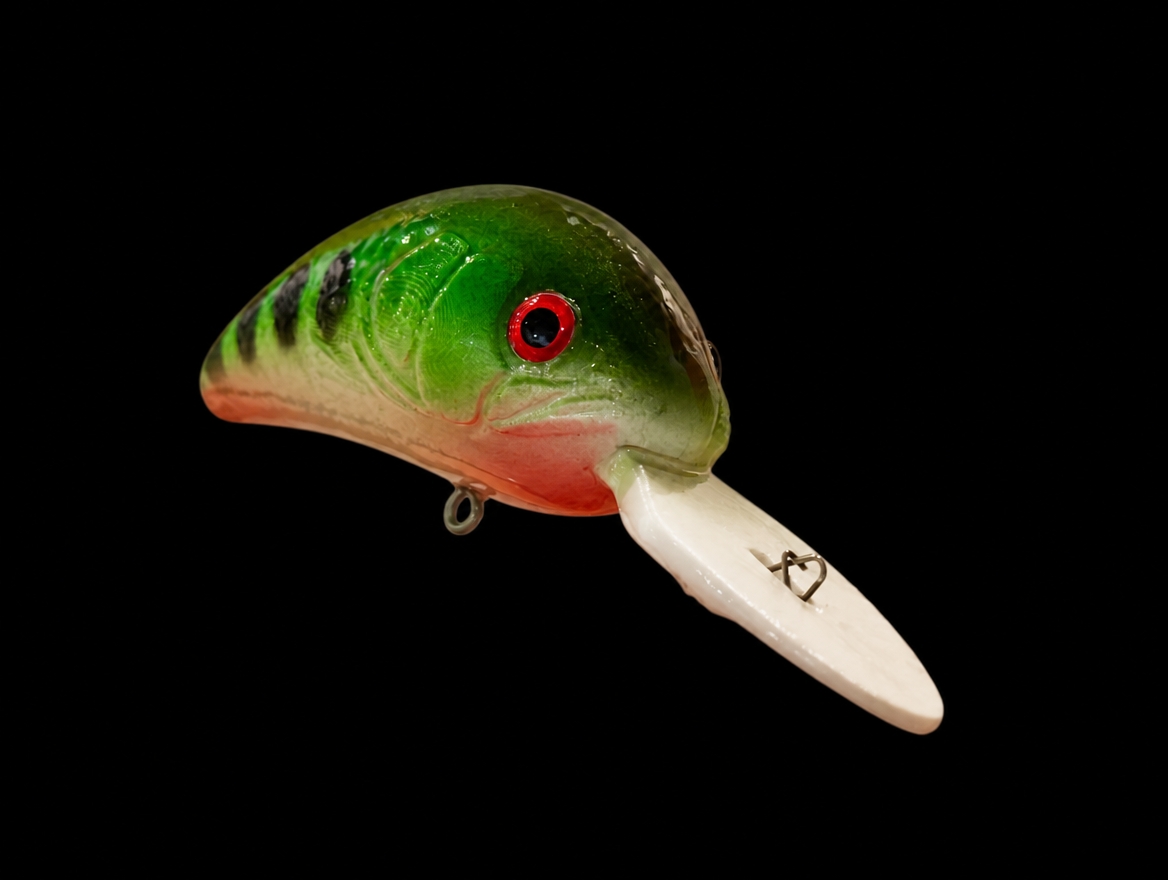
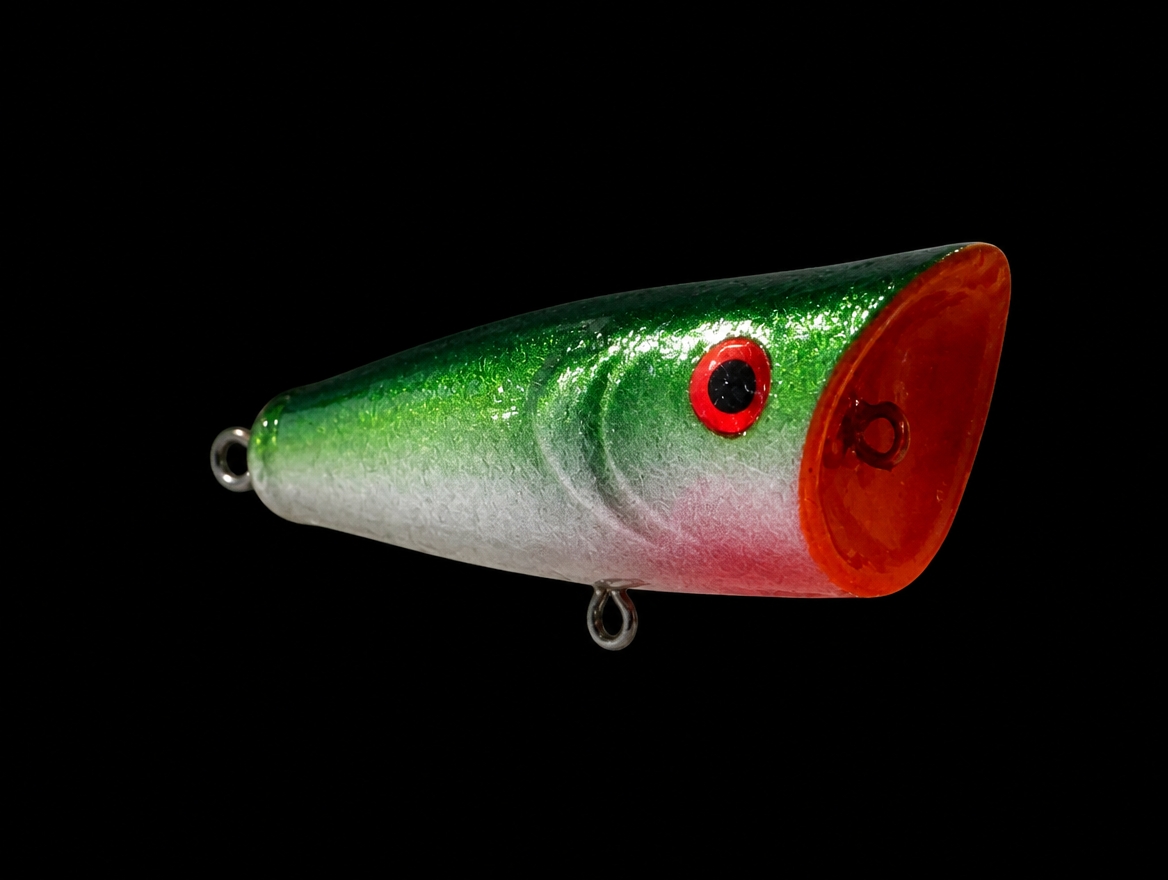
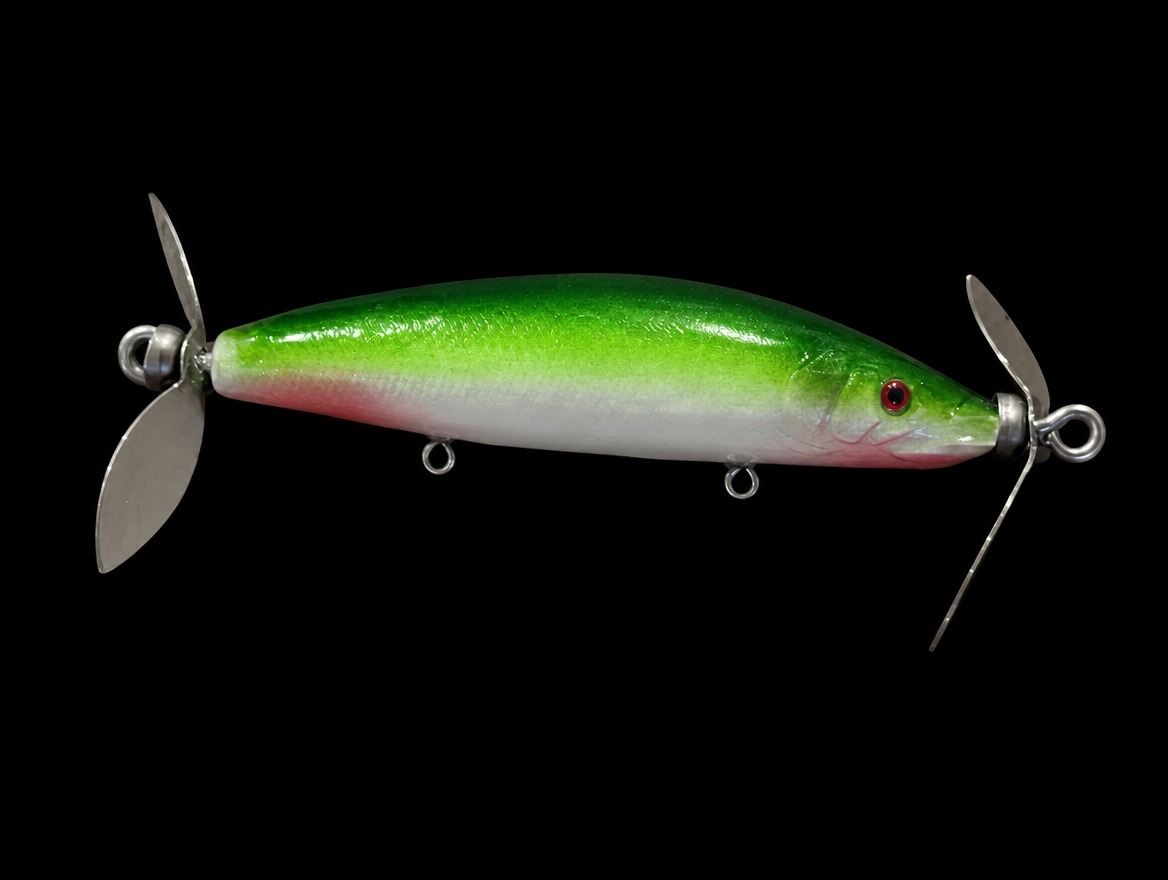
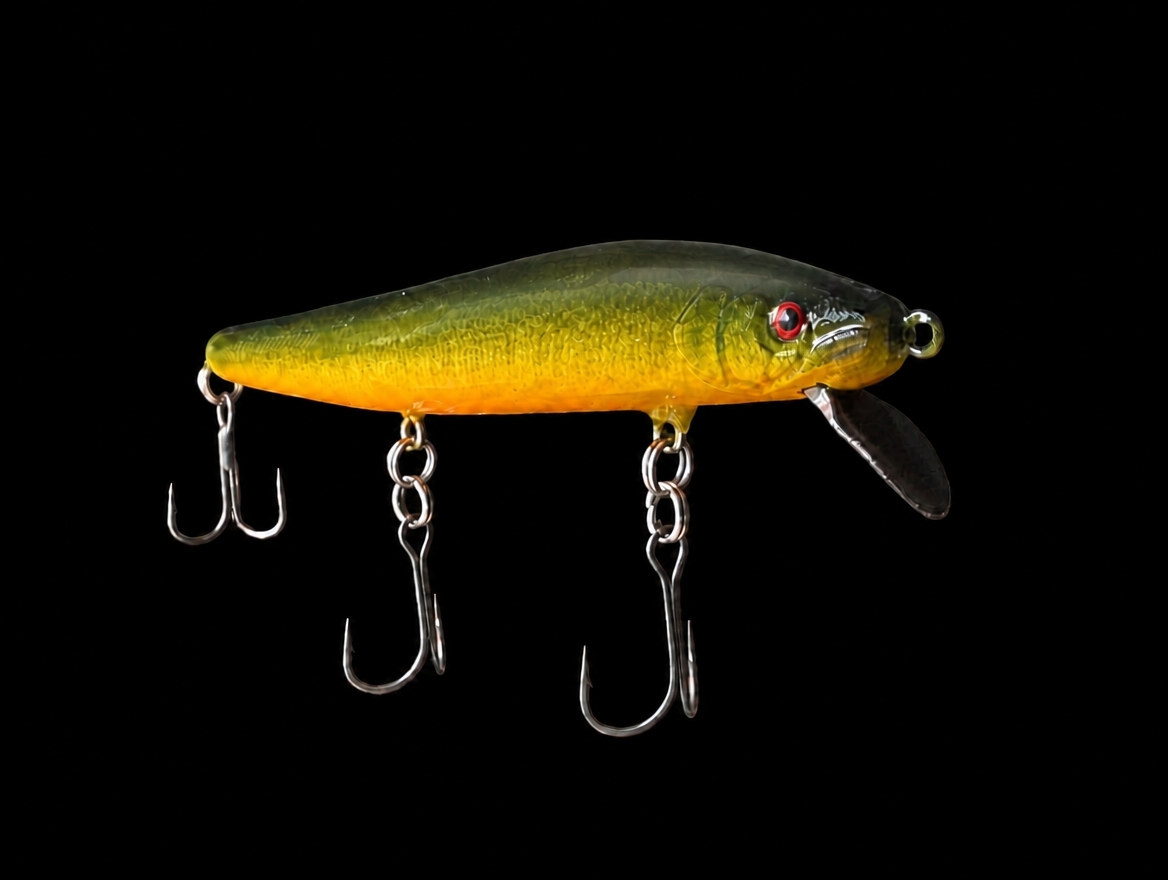
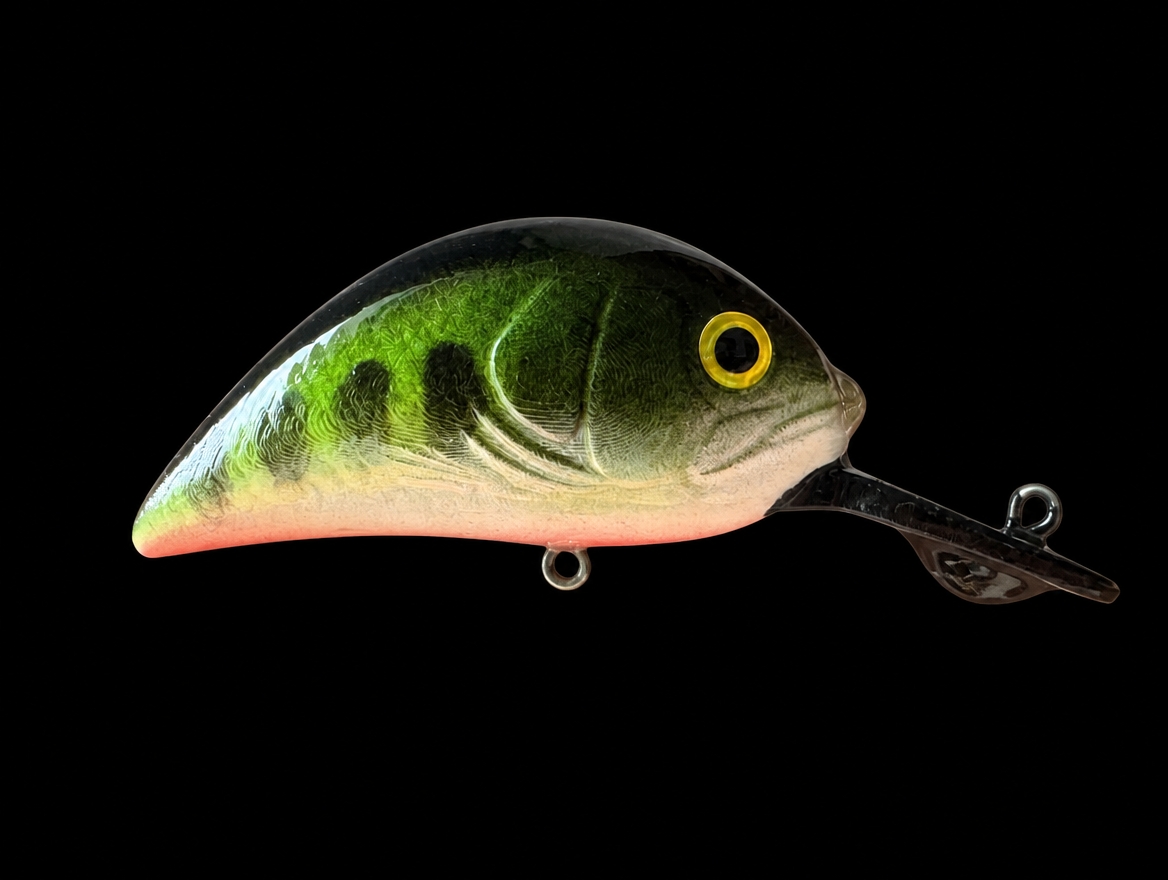
From your design to a lure in your hands.
Explore finished builds ↗OPEN LURE PROJECT / MADE BY YOU
Your build. Someone else’s next idea.
Open lure making starts here. Share editable designs, build notes and discoveries. Let your experiments inspire the next builder.
Loading community builds…
Open a design → Make it your own → Test and share again.
Share your build ↗Credit the creator and follow each work’s license when remixing or redistributing. Photo-only builds are welcome too.
FIND. REMIX. MAKE. SHARE.
One shared design. A world of possibilities.
Start small. Pick a design and try one idea of your own.
 01
Find a design
Explore in 3D and choose your starting point.
 02
Make it yours
Change the face, shape or weight. One change is a new idea.
 03
Print and paint
Bring it off the screen. Assemble, paint and make it real.
 04
Test and share
Credit the source, record your changes and pass discoveries on.
↳ Your small improvement can inspire someone else’s next design.
OPEN IDEAS. SHARED DESIGNS.
Open up the design.
Make building a shared adventure.
Bring the open-source spirit of shared ideas and continuous improvement to lure making. Designers, painters and people testing on the water all have something to contribute.
01 Keep the creator’s credit02 Record what changed03 Share what you tested
About sharing and usage terms ↗PICK YOUR FIRST DESIGN
What would you change first?
Three team samples to start from. Inspect them in 3D, then open the one that sparks an idea.
Photos show finished examples. See each design’s exact shape in its 3D viewer.
YOUR BROWSER IS YOUR WORKSHOP
An idea hits.
Start making.
No installation. Shape the body, build the face and design the hidden structure. 3D calculation runs on your device; save editable projects and printable STL files.
Works on computers and phones. Complex geometry may take longer on less powerful devices. LURINK / WEB DESIGN STUDIO0.25.6
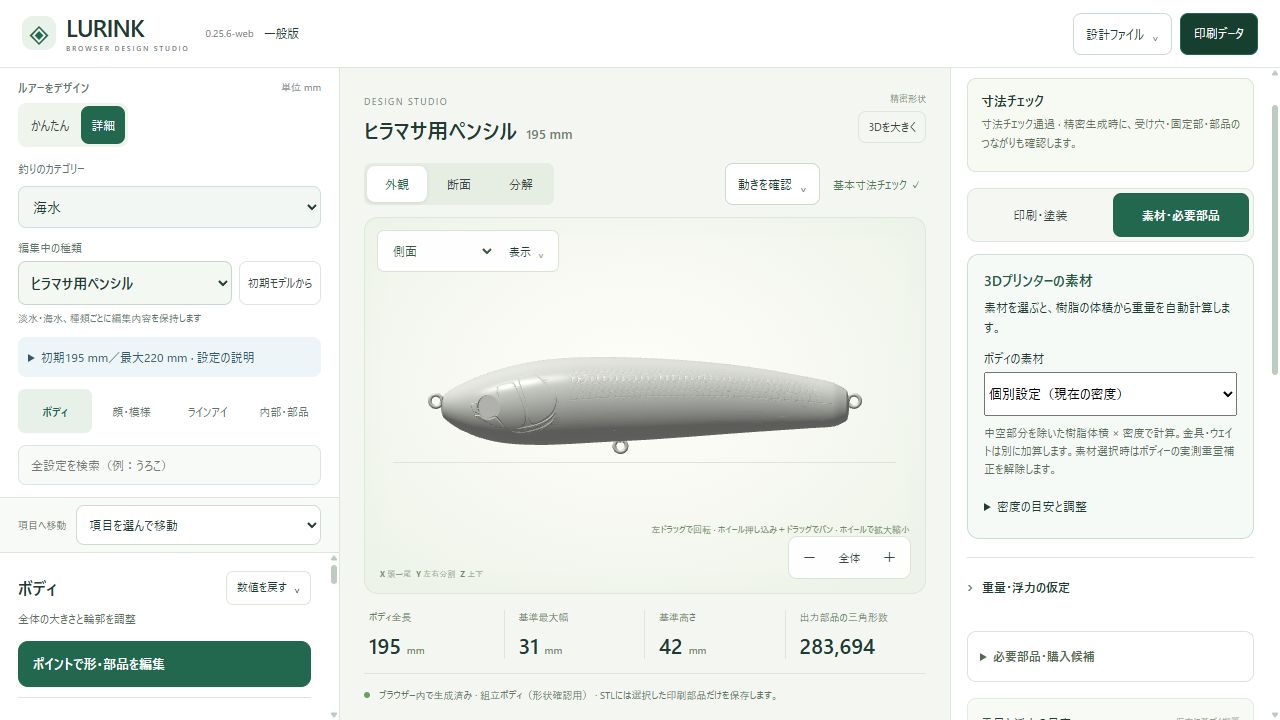
Actual interface. Click to start designing ↗
Point-based shapeDrag-and-drop facesBallast, fittings & wallsBalance & action estimatesSTL & project export
SAME SHAPE. DIFFERENT MATERIAL.
Change the material.
See the weight change.
Choose PLA, PETG, ABS or ASA for the body and lip. The app calculates mass from solid resin volume, adds hardware and ballast, and updates the balance and resting posture.
Choose materials in the editor ↗Densities are reference values and can be customized. Print settings, paint and adhesive affect the finished weight.
CRANK 60 / MATERIAL STUDYREAL STL VOLUME
Resin mass: both shells + lip g
PLA · 1.24 g/cm³Reading sample STL volume…
This comparison uses one material for all resin parts. It excludes ballast, hardware, paint and adhesive. The photo is a build example.
ONE DESIGN. YOUR NEXT IDEA.
One design.
So many “what ifs”.
These are experiment ideas, not published remixes. Pick one to start a build note.
STARTING POINT / LURINK STUDIO
Crank 60
Inspect the original design ↗Change the material. Compare the mass.
What changes when the same shape is printed in PETG instead of PLA?
Start this experiment’s note ↗Change the lip. Explore the action.
Change length or angle one at a time, then compare in a tank.
Start this experiment’s note ↗Give it a face of your own.
Move gills, cheeks and mouth parts to build a different expression.
Start this experiment’s note ↗Check each work’s terms before modifying or redistributing it.
MADE, PRINTED, PAINTED
From the screen. Into the real world.
Poppers, swishers and deep cranks. Six real builds finished by our team. What will yours look like?
STUDIO BUILD / 01
Start a build of this type →Popper ↗
STUDIO BUILD / 02
Start a build of this type →Double swisher ↗
STUDIO BUILD / 03
Start a build of this type →Deep crank ↗
STUDIO BUILD / 04
Start a build of this type →Crankbait ↗
STUDIO BUILD / 05
Start a build of this type →Minnow ↗
STUDIO BUILD / 06
Start a build of this type →Long-lip crank ↗
Finished examples may differ from the sample designs.